
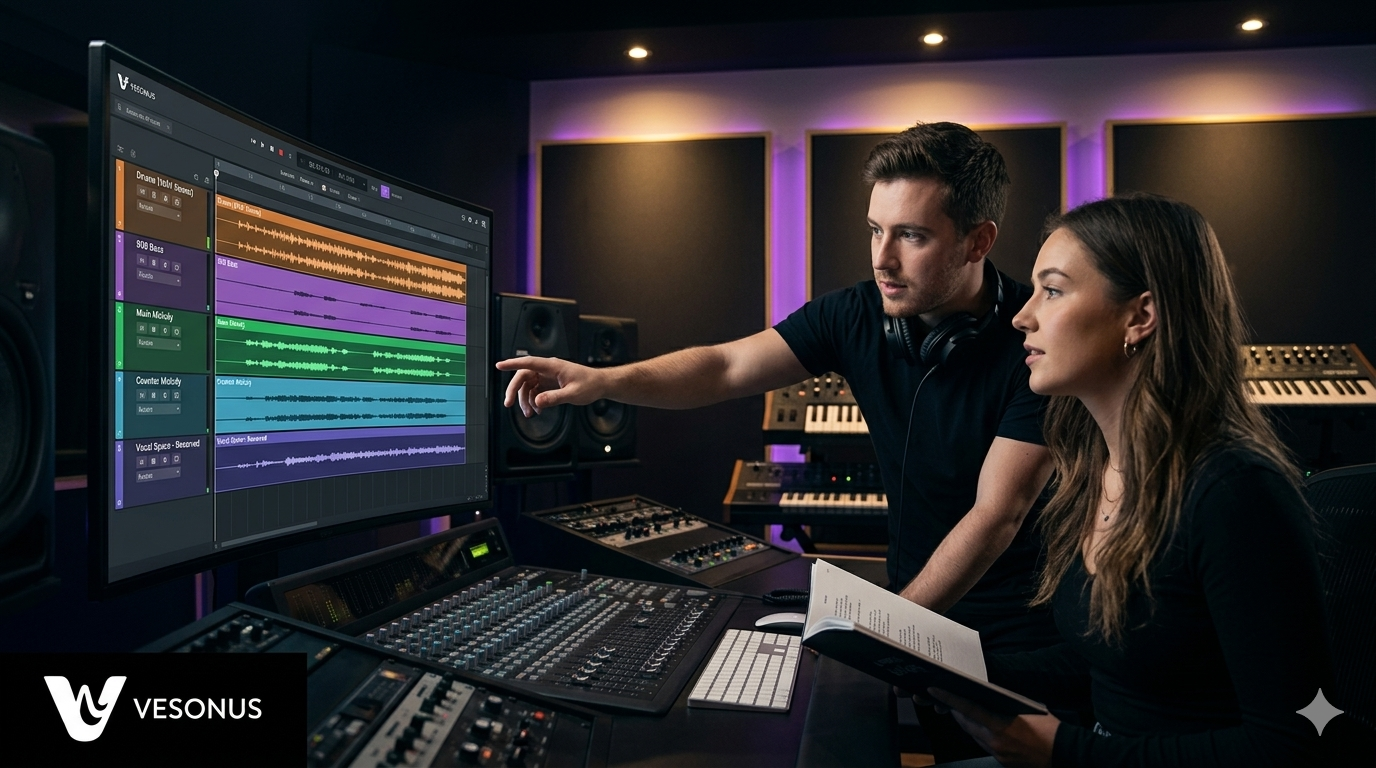
How to Prepare Your Beats for Artists Before Uploading
Learn how producers can prepare beats for artists with clean stems, proper headroom, accurate metadata, strong mix quality, and release-ready files.
A beat is not ready just because it sounds good.
A beat is ready when an artist can build a release from it.
That is the difference most producers miss.
A strong beat is not only drums, melodies, bass, and vibe. If the instrumental is meant to become a real song, it needs to be organized, vocal-friendly, properly exported, clearly tagged, and ready for the next step.
Artists do not only need beats that sound impressive.
They need beats that work.
They need space to record vocals. They need clean files. They need stems that make sense. They need correct metadata. They need a beat that can move from idea to recording to release without creating problems later.
This guide explains how to prepare your beats for artists before uploading, leasing, or sending them out.
If you want your beats to be taken seriously, preparation matters.
In This Guide
In this article, you’ll learn:
- what it means for a beat to be artist-ready
- why preview quality and release readiness are different
- how to leave enough headroom
- how to prepare stems
- how to make space for vocals
- what metadata producers should include
- how to organize beat files professionally
- what mix quality issues to check
- how better preparation helps artists trust you
- how Vesonus uses quality control to support better releases
What Does It Mean to Prepare a Beat for Artists?
Preparing a beat for artists means making sure the instrumental is ready to become a finished song.
That is different from exporting a loud MP3 and uploading it online.
An artist-ready beat should be:
- clean
- organized
- properly exported
- easy to understand
- easy to license
- vocal-friendly
- technically usable
- ready for quality control
- prepared for release workflows
A beat can sound exciting on its own, but if it creates problems when vocals are added, it is not truly artist-ready.
That is why preparation matters.
The goal is not only to make the beat sound good.
The goal is to make the artist’s next step easier.
Preview Quality vs Release Readiness
Many producers design beats to sound impressive in a short preview.
That makes sense.
A preview needs to catch attention quickly.
But a release-ready beat has a different job.
A preview beat needs to make someone click.
A release-ready beat needs to support a full song.
Those are not the same thing.
A beat can be:
- loud
- full
- busy
- heavily limited
- packed with melodies
- exciting for 30 seconds
and still be difficult for an artist to record over.
When an artist adds vocals, the beat needs space.
The vocal needs room in the mix. The arrangement needs breathing space. The low end needs control. The file needs headroom. The stems need to be usable.
That is what separates a beat that sounds good online from a beat that is ready for release.
Leave Enough Headroom
Headroom is one of the most important things producers should understand before sending beats to artists.
Headroom is the space between the loudest part of the audio and the point where the track starts clipping or distorting.
If your beat is already pushed too loud, the artist and engineer have less room to work.
That can create problems when vocals are added.
Common headroom problems include:
- vocals having no space in the mix
- distortion during mastering
- harshness when the song is made louder
- weak dynamics
- clipping
- a final mix that feels crushed or flat
A beat does not need to be mastered like a finished single before an artist records on it.
It needs to be clean and usable.
A good artist-ready instrumental leaves space for vocals and final processing.
That does not mean the beat should sound weak.
It means it should not be pushed so hard that the next stage becomes difficult.
Avoid Over-Limiting Your Beats
Many producers make their beats extremely loud before sending them out.
This can make the beat feel powerful in a preview, but it can hurt the final song.
Over-limiting can reduce dynamics, create distortion, and make the instrumental harder to mix with vocals.
If the beat is already crushed, the artist’s engineer may have to fight against it.
That can lead to:
- harsh vocals
- weak low end
- distorted peaks
- poor master quality
- limited mixing flexibility
- a less professional final release
For preview versions, loudness can help grab attention.
For artist-ready files, control is more important.
The beat should feel strong, but it should still have enough room to become a finished record.
Make Space for Vocals
A great artist-ready beat leaves room for the artist.
This is one of the biggest differences between making beats for yourself and making beats for release.
If every frequency is already filled, the vocal has nowhere to live.
Crowded beats can create problems like:
- vocals fighting with melodies
- lyrics becoming hard to understand
- hooks feeling weak
- the mix sounding messy
- the artist needing to remove parts of the beat
- the final song feeling less emotional
Producers should ask:
Can an artist actually perform on this?
Not just:
Does this beat sound impressive alone?
To make space for vocals, think about:
- reducing busy melodies during verses
- leaving room in the midrange
- controlling reverb and delay
- making the hook section clear
- avoiding too many competing lead sounds
- arranging the beat around the artist’s voice
The beat should inspire the artist, not compete with them.
Prepare Proper Stems
Stems are one of the most important parts of a professional beat package.
Stems allow the artist, engineer, or mixing team to adjust individual parts of the instrumental.
Without stems, they may only have one stereo file to work with.
That limits what can be fixed later.
A professional stem package may include:
- drums
- kick
- snare or clap
- hi-hats
- percussion
- bass or 808
- main melody
- counter melodies
- pads
- synths
- samples
- effects
- vocal chops
- full instrumental mix
You do not always need to separate every tiny sound, but the stems should be organized enough to make mixing possible.
The goal is simple:
If something clashes with the vocal, the engineer should be able to adjust it.
Export Stems Correctly
Bad stem exports can ruin the artist experience.
Even if the beat itself is strong, poorly exported stems can make the session difficult to use.
Before sending stems, make sure:
- all stems start at the same time
- all stems are the same length
- stems are clearly named
- no important sounds are missing
- levels are not clipping
- effects are included when needed
- stems line up correctly when imported into a DAW
- the full mix matches the stem mix when everything is played together
This matters.
If the artist or engineer imports the stems and they do not line up, it immediately creates frustration.
Professional file preparation builds trust.
Messy files create doubt.
Include a Full Mix and Preview Version
Artists usually need more than stems.
A strong beat package should include different versions for different purposes.
Useful files include:
- full mix WAV
- full mix MP3
- tagged preview
- untagged final version
- stems
- optional loop or performance version
- license or usage information
- metadata notes
The tagged preview helps protect your beat when it is streamed publicly.
The untagged final version is what the artist can use after leasing or approval.
The stems give flexibility for mixing.
The full mix gives everyone a reference for how the beat should sound.
Each file has a purpose.
A professional producer makes that easy for the artist to understand.
Use Clear File Names
File names matter more than many producers think.
Messy file names make the artist experience feel unprofessional.
Avoid file names like:
final_final_beat3_REAL.wav
newbeatbounce2.mp3
untitled808.wav
Next step
Ready to upload release-ready beats?
Vesonus helps producers upload cleaner, better-prepared instrumentals with stems, metadata, quality control, and a workflow built for real artist releases.
Join Vesonus